
Help & support
Guides
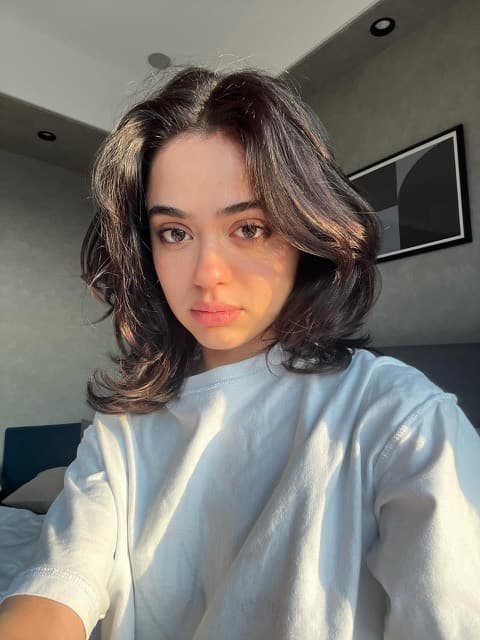 Guide · 6 stepsCreate your first AI modelAdd 1 to 4 photos of one person, name it, confirm consent and create.
 Guide · 5 stepsTake great reference photosWhat to upload, what to avoid, with examples.
 Guide · 5 stepsRecreate a viral videoStart from Inspo, a TikTok or Instagram link, or your own clip.
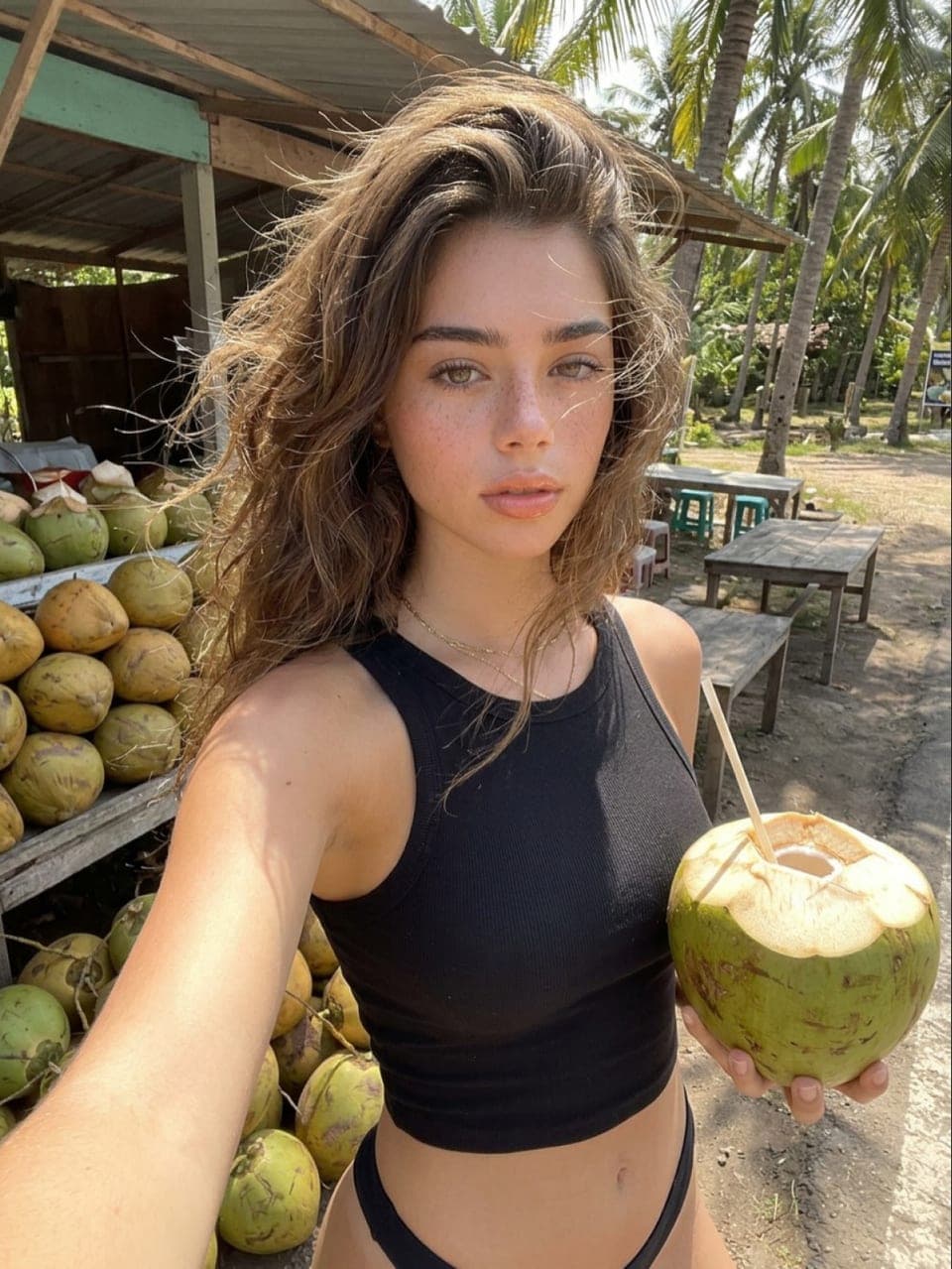 Guide · 6 stepsEdit your algorithmChoose the niches, platforms and creators your Inspo feed draws from.
Getting started
Studio creates photos, carousels and reels of an AI model from ready-made templates. Pick a template, choose your AI model and generate. Everything you make is saved to your Vault.
Link to this answer- Create an AI model from your photos (1 is enough to start), or get a ready-made one in the Shop.
- Pick a template in Browse or open Create.
- Check the options and the price, then generate. It lands in your Vault when it's ready.
New to AI models? Follow Create your first AI model.
Link to this answerA photo is one image. A carousel is several images from one template, posted together. A reel is a short vertical video. Each template shows its type and its price before you generate.
Link to this answerIt's the AI model Studio uses when you generate. Change it from the menu at the top of the screen. One-tap actions like Generate my week use it too.
Link to this answerNew accounts get 5,000 trial credits to try Studio. Trial credits expire after 14 days. Your trial's end date shows in Account and in Plans and credits.
Link to this answer
Credits, plans and billing
Everything you generate costs credits, and the price shows before you start. Your balance is at the top of the screen.
Link to this answer- Purchased credits (credit packs) never expire, and neither do pack bonus credits.
- Plan credits expire at the end of each billing month. The monthly member bonus expires with them.
- Trial credits expire after 14 days.
Credits that expire soonest are used first, so purchased credits are used last.
Link to this answerEach plan gives you a monthly credit allowance. Higher plans include more credits and CLEAN-1. Compare them in Plans and credits.
On an annual plan you pay 10 months for 12 (2 months free). You're billed once a year and your credits arrive every month.
- Every plan: 500 bonus credits each month, added with your plan credits.
- Shop prices in credits: Pro members pay 10% less and Max members 20% less. Dollar prices (exclusive models and packs) are the same for everyone.
- Max: Priority is included on every generation.
One-time top-ups for when you need more credits. Credits from packs never expire. Find them under Top up in Plans and credits.
- Bigger packs include bonus credits: +10% on 80,000 and +20% on 200,000.
- First pack bonus: for 48 hours after your free trial ends, your first pack gets +50% credits (up to 15,000). Once per account; the end time shows on the pack.
Go to Plans and credits and choose Cancel plan. Your plan stops renewing.
- Your plan credits stay until the end of the current period.
- Purchased credits never expire, so they stay after that.
- Your AI models and Vault stay. You can pick a plan again any time.
On a monthly plan you may see one offer first, once per account: pause for 1 month (no charge and no plan credits), or 50% off your next month. Cancel anyway is right next to it.
Link to this answerOptional extras in a generation's settings. They're always off until you turn them on, and each one shows its price in the total.
- HD: photos are upscaled for a sharper, larger file. +50 credits per photo.
- Make 4: 4 photos in one go, at 4 times the price of one.
- Priority: your generation starts ahead of standard ones when it's busy. +100 credits, included with Max. It doesn't change the result.
Choose Manage subscription in Plans and credits. It opens the Stripe billing portal, where you can update your card and see your invoices.
Link to this answer
Refunds and failed generations
You get the credits back automatically. The item shows as Failed in your Vault with the refund noted, and the refund appears in your Activity.
You can try again with Retry on the failed item in your Vault.
Link to this answerContact us at support@gncy.ai with your account email, the order details and the reason. We review every request.
Link to this answerEmail support@gncy.ai with the date and amount and we'll look into it with you. Please contact us before disputing the charge with your bank.
Link to this answer
AI models and reference photos
The person in your content. Create one from your photos (1 to 4, 3 recommended), or get a ready-made one in the Shop. You can use any of your models in any template.
Link to this answerUp to 4 photos of one person, face clearly visible in each: a face / upper body photo (required), a full body front and a full body back looking over her shoulder (both recommended), plus an optional extra from any angle, in soft even light. Avoid group shots, sunglasses or masks, heavy filters, and blurry or dark photos. JPG, PNG or WebP, up to 20 MB each.
See examples in Take great reference photos.
Link to this answerYour first AI model is free. Each one after that is 1,000 credits. Shop models show their own price.
Link to this answerOnly with their permission. When you create a model you confirm you have the rights and consent to use the photos, or that the person shown is fully synthetic. That confirmation is recorded with your account and the time.
Link to this answerYes, from AI models. Deleting a model removes it and its reference photos. Content you already made with it stays in your Vault. A model you bought in the Shop stays yours: to add her back, open Your collection and choose Use this AI model.
Link to this answer
Templates, Inspo and Recreate
A ready-made scene for a photo, carousel or reel. Pick one, add your AI model, and Studio creates it. Filter templates by category, scene and platform in Browse.
Link to this answerA feed of short videos from TikTok and Instagram creators in your niches. Sort it three ways:
- Viral: posts beating their creator's usual views the most.
- Trending: gaining views fastest right now.
- New: freshly posted by creators in your niches.
Tap Recreate on a post to make your own version with your AI model.
Link to this answerUse Edit algorithm on the Inspo page to pick niches and platforms, follow or mute creators, and reset your feedback. Step by step: Edit your algorithm.
Link to this answerA post from Inspo, a TikTok or Instagram post link, or a video you upload (MP4 or MOV, up to 60 seconds and 100 MB). Up to the first 15 seconds are used, and the result is 9:16 vertical. It's priced per second and you see the total before you start.
Step by step: Recreate a viral video.
Link to this answerIt queues 7 photo and carousel templates in your model's niche at once, with the AI model under Creating as. You see the list and the total before you confirm. Each one saves to your Vault when it's ready. Find it on Home.
Link to this answer
Shop and packs
- Exclusive AI models: each one is sold once, to one buyer (1 of 1).
- Packs: a set of themed shots Studio makes with one of your own AI models.
- Ready-made AI models, priced in credits.
Exclusive models and packs are paid in US dollars at checkout, through Stripe. Items priced in credits come out of your credit balance.
Pro members pay 10% less and Max members 20% less on items priced in credits. Dollar prices are the same for everyone.
Everything you buy is in Your collection.
Link to this answerAn exclusive model is sold once. When you buy her, AIGNCY never sells her to anyone else, even if your order is later refunded.
- Before you buy, her Shop photos are watermarked previews. You get the clean originals once she's yours.
- Her price is in US dollars. Starting checkout holds her for you for about 30 minutes while you pay on Stripe. If someone else is already checking out, you'll see that and can try again when their hold ends.
- She's delivered as soon as Stripe confirms the payment, usually within seconds: she's added to your AI models, ready to create with.
- If someone else's payment goes through a moment before yours, we refund your payment in full automatically.
Every exclusive is checked against the models already in the Shop before she goes on sale. AI faces can look alike, so we can't promise nobody anywhere ever makes a similar face. The Shop Terms explain what 1 of 1 covers.
You get a licence to use her on your own accounts and in your business, including making money from them. AIGNCY keeps the character itself, so she can't be resold or transferred. The Shop Terms have the details.
Link to this answerA pack is a set of themed shots made with one of your own AI models. You pick the model at checkout and pay once, in US dollars. No credits are used for the pack's shots.
- After the payment confirms, Studio makes the shots a few at a time with your model.
- We make a few extra in case some don't come out, and you get the number of shots shown on the pack page. If too few come out, we make more once.
- The shots go into a new Vault folder named after the pack.
- Each shot's first redo is free. After that, a redo costs its normal credit price.
Follow it in Your packs. We send you a notification when it's ready.
Link to this answer- Exclusive models: in your AI models as soon as the payment confirms, and in Your collection.
- Packs: Your packs shows how far each one has got, from "Payment received" to "Ready". The shots are in a Vault folder named after the pack.
Stripe usually confirms a payment within seconds. If it takes longer, your order is held for you and arrives when the payment confirms. You can leave the page.
If you paid and nothing has arrived after 15 minutes, send us a message and pick the order, so we can see its details.
Link to this answerEvery day, one pack is 30% off. The day runs midnight to midnight US Eastern time, and the Shop counts down to the next one.
The deal stays on the same pack all day. The discount is applied at checkout. A later deal or price change doesn't change what you already paid.
Link to this answerShop items are digital and delivered straight away, so sales are final once an item is in your account. The exceptions:
- It never arrives: we deliver it, or refund it if we can't.
- It arrives broken, or isn't what the listing showed: tell us soon after delivery and we'll deliver it again, fix it, give you credits or refund it.
- A purchase you didn't make, or made by mistake: see the refund policy.
- Anything the law where you live requires.
If an exclusive model's order is refunded, she's removed from your account and you need to stop using her. She's never sold again. A refunded pack stops making shots; the ones already made stay in your Vault, but you can no longer use them.
Please contact us before disputing a payment with your bank. We can usually fix it faster. While a dispute is open we may pause the item, and if the payment is reversed your licence to it ends. The Shop Terms have the full rules.
Link to this answerThese rules keep your accounts, and your licence, in good standing:
- Label your posts as AI-generated wherever the law or a platform asks for it. Don't remove AI labels or Content Credentials from your files. CLEAN-1 keeps them on purpose.
- No sexual content or nudity anywhere, including adult and subscription platforms.
- Nothing that looks or reads as someone under 18, through styling, props, captions or role-play.
- Don't claim she's a real person, and don't use her to impersonate anyone or suggest a real person endorses you.
- No scams, fake giveaways, catfishing or misleading sales.
- Follow each platform's rules, including #ad on sponsored posts.
Breaking these can end your licence without a refund. The full rules are in the Shop Terms.
Link to this answerYes. After you buy a model in the Shop, her order page and her model page show Earn from her page. Accept the affiliate terms and you're an affiliate straight away, with a link for her bio.
You earn 30% of what the people you refer pay for plans and credit packs in their first 12 months, and 10% of what they spend in the Shop. Add #ad when you post your link. See the affiliate program.
Link to this answerShop items come in five tiers: common, uncommon, rare, epic and legendary.
Link to this answerLog in each day to claim a reward from a fixed 7-day schedule. Rewards are set in advance, with no chance involved and nothing to buy.
Link to this answer
Vault and downloads
Everything you generate is saved to your Vault automatically. Items still generating show their progress there too.
Link to this answerYes. Make folders, move items into them, favorite what you love, and filter by type or AI model. Choose Select to move, favorite, download or delete several items at once.
Link to this answerOpen an item in your Vault and choose Download, or select several items and download them together. Downloaded files start with AIGNCY-.
Link to this answerYes, from the item or with Select for several at once. Deleting can't be undone. Items still generating can be deleted once they finish.
Link to this answer
Account, privacy and deleting your data
Studio has no passwords. Sign in with a one-time email link or with Google. Manage both in Account.
Link to this answerSign in with the same verified email and your account carries over, including your credit balance. Old accounts can be claimed for 90 days.
Link to this answerYour AI models, reference photos and Vault are private to your account.
Link to this answerGo to Account and choose Delete account. It deletes, for good:
- Your profile and sign-in methods
- Every AI model, including all reference photos
- Everything in your Vault: photos, carousels, reels and folders
- Your credits and plan (the plan is cancelled)
It can't be undone, so download anything you want to keep first.
Link to this answerFor a copy of your data or any privacy question, email support@gncy.ai from the email on your account.
Link to this answer
Still stuck?
Contact us
Tell us what you were doing and what you expected. Pick the order if it's about one.
Loading…