
Guide · 6 steps
Create your first AI model
An AI model is the person in your content. You make one from your own photos (1 is enough to start, 3 give the best likeness), then use it in any template. It takes a few minutes.
Create an AI model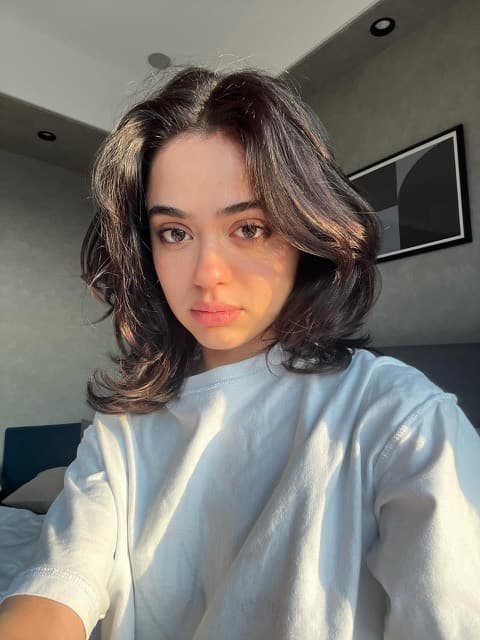
Step 1: Start a new model
Go to AI models and choose New AI model. You can also find it in the Creating as menu at the top.
Step 2: Name it
Use 2 to 24 characters: letters, numbers and spaces. This is how the model shows up when you create. You can rename it later.
Step 3: Add your photos
Photos of the same person, in this order: Face / upper body (required), Full body, front, and Full body, back, looking over her shoulder so her face still shows. An extra photo from any angle is optional. 1 photo is enough to start; all 3 give the best likeness.
JPG, PNG, WebP or HEIC, up to 20 MB each.
Clear photos matter most. See Take great reference photos for what works and what to avoid.
Step 4: Confirm consent
Tick the box to confirm you have the rights and consent to use these photos, or that the person shown is fully synthetic. It's recorded with your account and the exact time you tick it.
Step 5: Review and create
Your first AI model is free. Each one after that is 1,000 credits. You see the cost and your balance before you create.
Related questions
More guides
Still stuck?
Contact us
Tell us what you were doing and what you expected. Pick the order if it's about one.
Loading…